
Tamron lenses have some very cool capabilities you may not be aware of — like the ability to pull focus during a time lapse — and it’s all thanks to its Lens Utility App. I want to talk about what of these abilities are, but I also want to take this opportunity to shame other lens manufacturers for not offering these same features.
Over the last decade, lens design has moved away from features like focus, aperture, and focus limiters being controlled mechanically to being done electronically. For example, when you spin the focus ring, you’re not directly shifting the lens’ focus, you’re activating a motor that moves the lens elements.
This can lead to a disconnected feeling that even inspired Chris and I to do an entire video about why electronic focus, or focus-by-wire sucks.
These electronic focus systems and controls were the tradeoff for getting smaller, faster, and sharper mirrorless lenses, so I just learned to accept that this would be the way things are going forward.
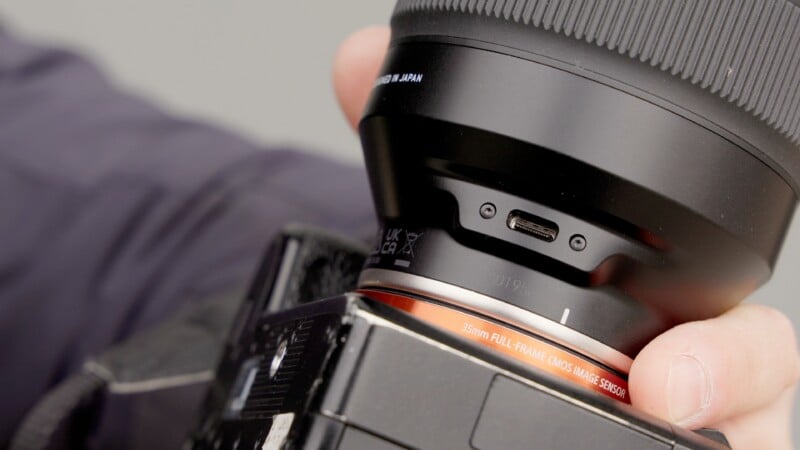
But then Tamron started releasing mirrorless lenses with a USB-C port right beside the lens mount. This could be connected to the company’s Lens Utility App for desktop, and it opened up a lot of cool customization options. Cool, but not necessarily useful outside of initial setup.
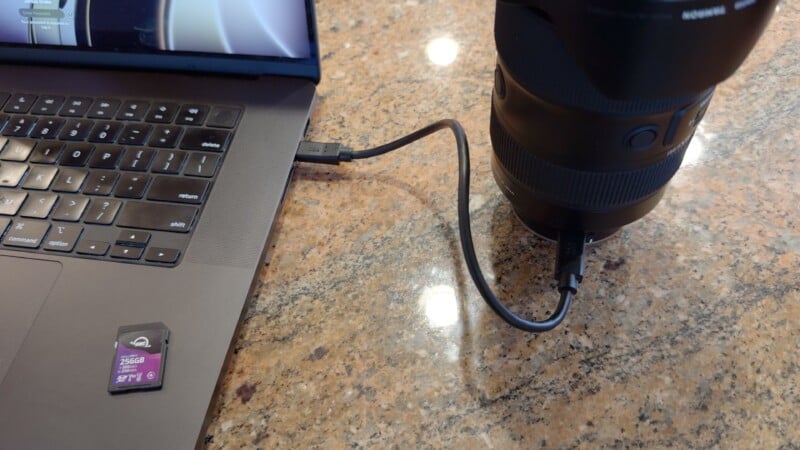
But now, this app is available on iOS for the first time and it’s been dramatically expanded for desktop and Android, too.
While previously the lenses needed to be attached by a cable to a computer or Android phone, Tamron just released the Tamron Link, a $50 Bluetooth attachment that allows it to work wirelessly.
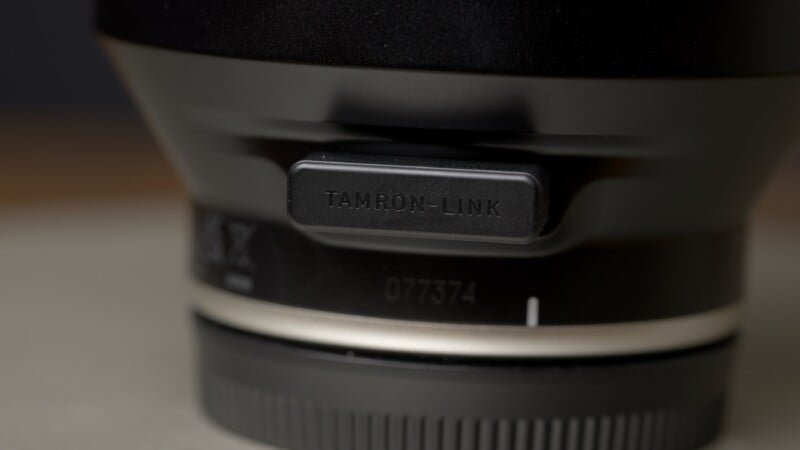
Now, weirdly, this component is the only way to connect to iOS; it doesn’t support a cabled connection with Apple smartphones. I mention this because it could be an issue for situations like timelapse, where you don’t want a connection interruption. Hopefully this is addressed in future updates.
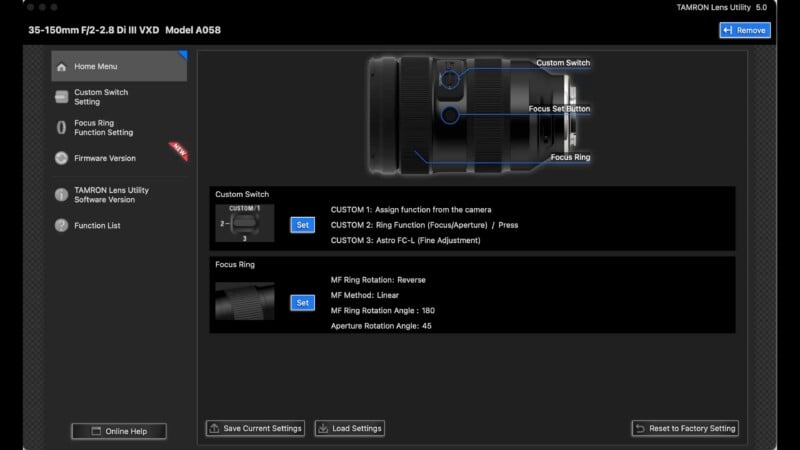
So what does this app do? Firstly, you can customize all the lens controls. The lens focus direction can be correct, like on Canon and Sony cameras, or wrong, like on Nikon cameras. Your choice.
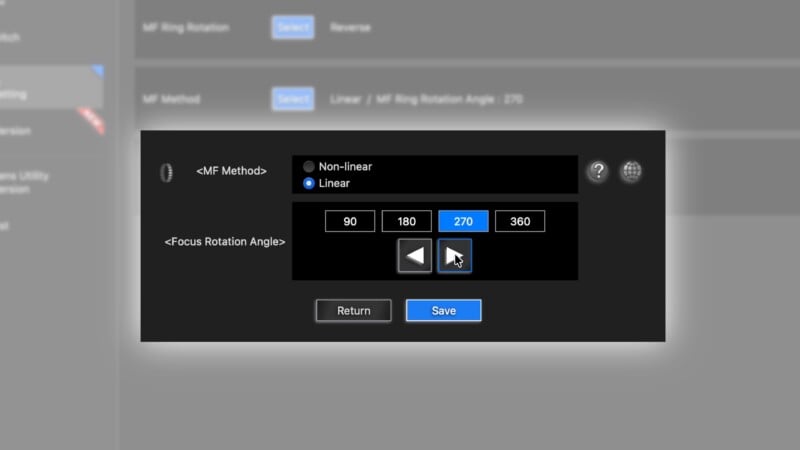
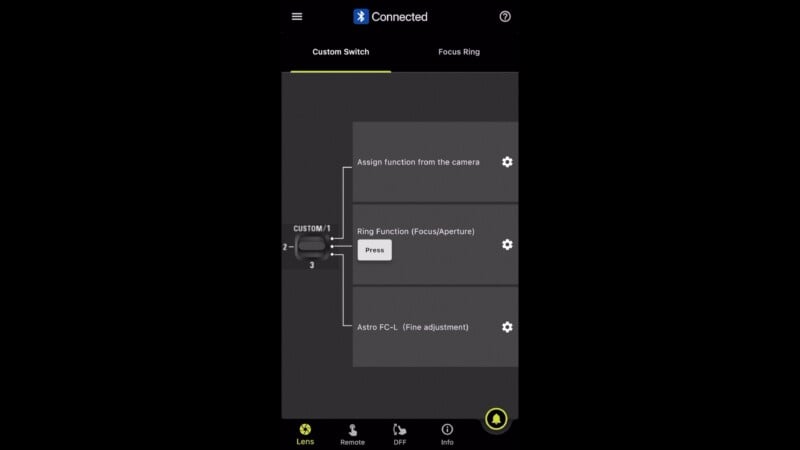
Focus can be set to linear response so you can make repeatable focus pulls. The degrees of rotation needed to go from minimum focus to infinity can be set for a very long or short throw, and anywhere in between. As well, the ubiquitous custom buttons can function like they do with first party lenses, but can also access some cool new tricks. My favorite is called “Astro Fine Tune” which gives the ability to set a perfect infinity mark for astrophotography and jump back to it with the push of a button.
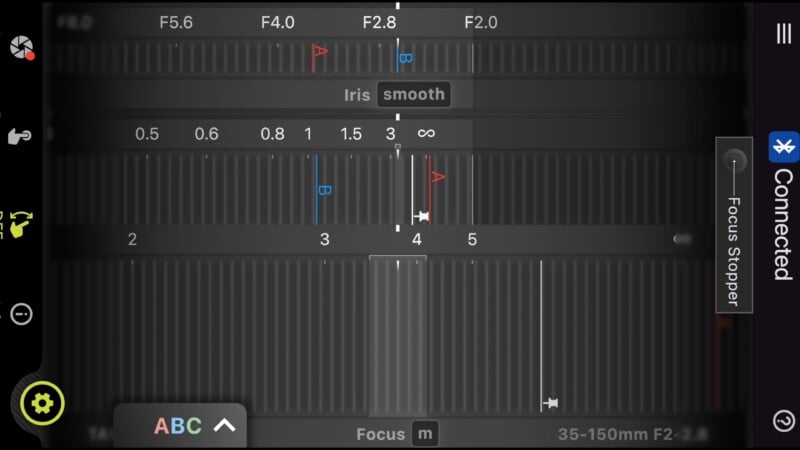
This has been available previously, but what really impressed me and made me want feature Tamron’s system is the new focus and aperture controls. The interface looks like a traditional indexed lens, which you can control with impressive responsiveness. You can then set a focus or aperture mark by holding down the A, B, or C buttons. To jump to a particular focus distance, just tap one of the letters. Making this even more useful, you can choose how long the focus transition will take, and even if it ramps up and down while transitioning. This is incredibly useful for product photography, but could even be used for filmmaking.
But what was most exciting to me is the ability to do extremely slow focus and exposure transitions while shooting a timelapse. Generally, these types of visual effects require an expensive and bulky mechanical follow focus. You can either dial in a custom duration for the focus pull, or my favorite, just set it to a 90 second pull and engage it mid-timelapse.
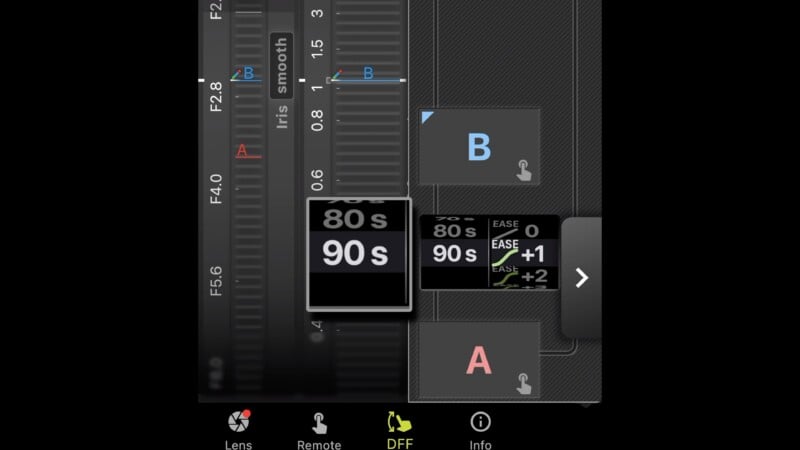
There’s a huge amount you can do with this app, but the main limitation is it can only control the lens, not the camera. This means it cannot trigger the shutter during timelapses; you need to set up the camera and lens intervals separately. More inconvenient, you can’t have a video feed from your camera displayed while pulling focus. You’ll need a separate monitor and wireless feed to do that.
This is why I’d love to see the camera makers integrate something like what Tamron is doing, but with the ability to control camera functions as well. Panasonic’s Lumix Sync is a powerful app that comes close to this and offers a live feed from the camera, but the Tamron Lens Utility app goes further with its lens features and customizability.
Tamron’s Lens Utility App is so good that it makes me question why no other manufacturer is trying anything like this. What gives?!
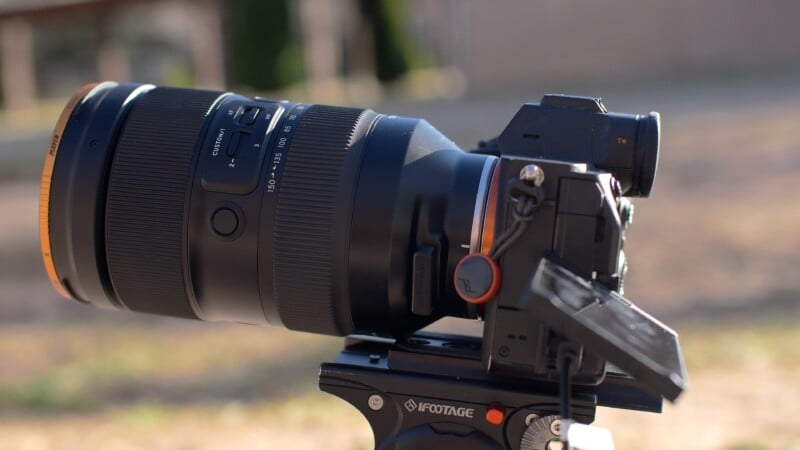
When looking at lenses for E-Mount or Z-Mount, if a Tamron lens covers the range I’m looking at, I would definitely lean in that direction for the features Tamron Lens Utility and Tamron Sync offer. To take things one step further, I’d love to see a compatible Tamron power zoom lens for even more creative flexibility. If nothing else, all Tamron’s hard work on this software was worth it for me the first time I racked focus during a timelapse, and couldn’t contain my smile.